
For terminal operations
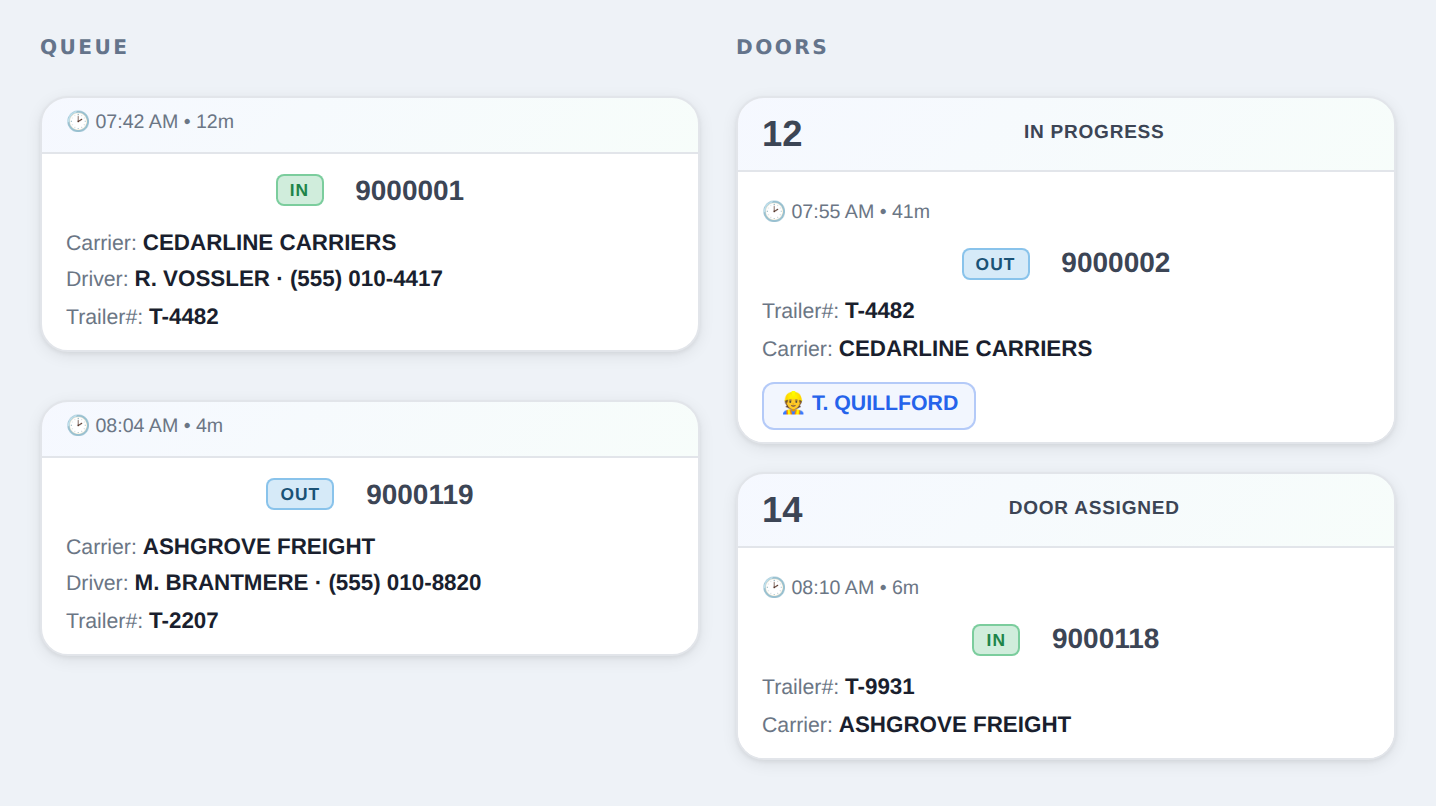
Dock Operations is where a trip goes from the guard shack to the door and out again — driver check-in, carrier vetting, door assignment, forklift moves, and a message to the driver at every step. No clipboard, no radio guessing, no “which door was that?”.
Sample data · no customer records
Trip, carrier, driver and trailer captured once, at the gate.
Drag the trip onto a door. The floor sees it immediately.
Forklift operator, start and finish, pallets on and off.
Text and email at check-in, door assignment and departure.
Before the trailer moves
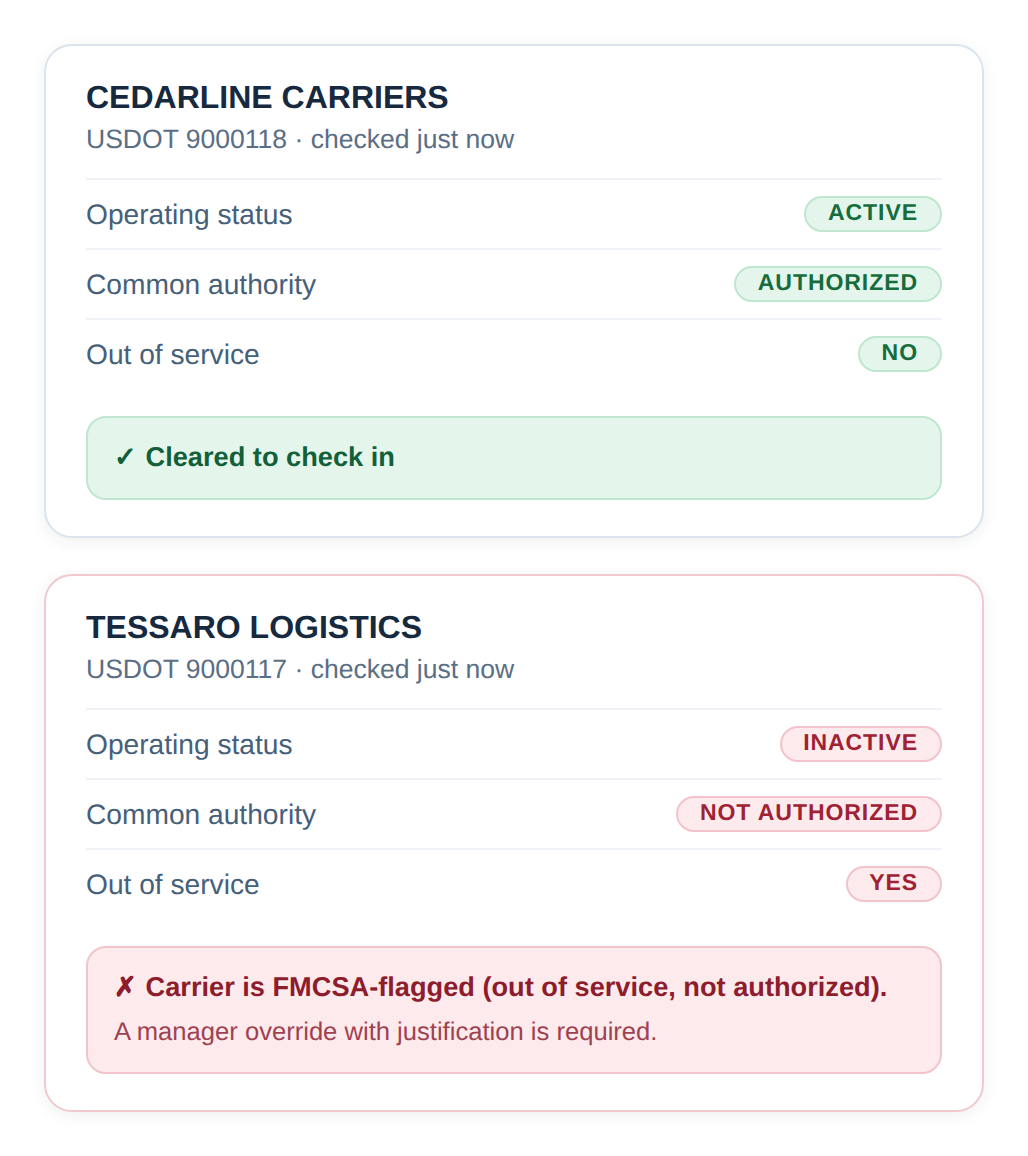
Type the USDOT at check-in and the carrier is looked up against the federal register while the driver is still at the window — operating status, authority and out-of-service, with the answer on screen in seconds. A carrier that fails does not get checked in.
Sample data · no customer records
While the truck is here
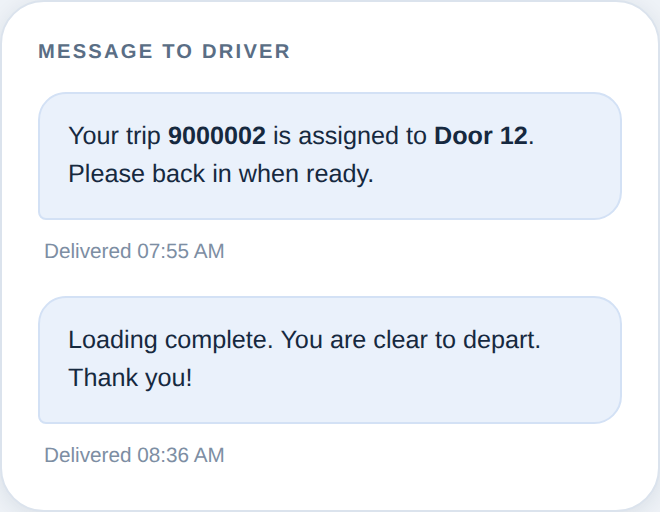
Every status change can send the driver a text and the carrier an email — checked in, door assigned, loaded, clear to leave. The yard stops being a phone queue.
Sample data · no customer records
On the floor
Dock Operations is built by RT Express and runs every day at our terminals. The screens are the ones the clerks asked for: big trip numbers, a door grid you can read across the room, and a phone view for whoever is out on the floor.
Sign in to your terminal. If you work here and need access, request it and a manager at your terminal will approve it.